
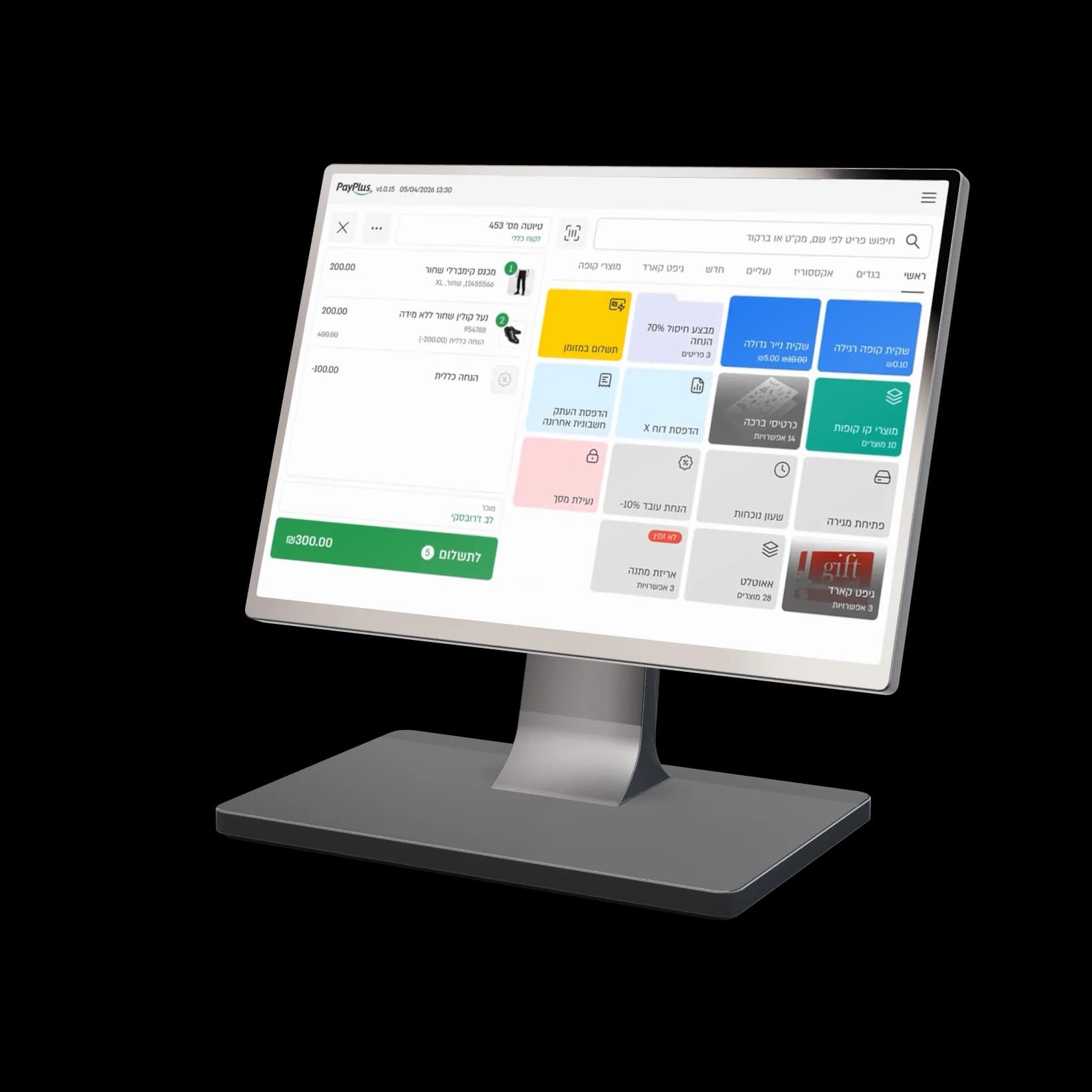
2 cores at 2.2GHz and 6 cores at 2.0GHz, for steady performance even when the line is long.
PayPlus Retail POS
The POS that gets fashion
Built for boutiques, fashion chains, shoe stores and accessories stores
One-step exchanges, credit vouchers, salesperson attribution and a daily sales target, on a cloud POS that works from any branch.
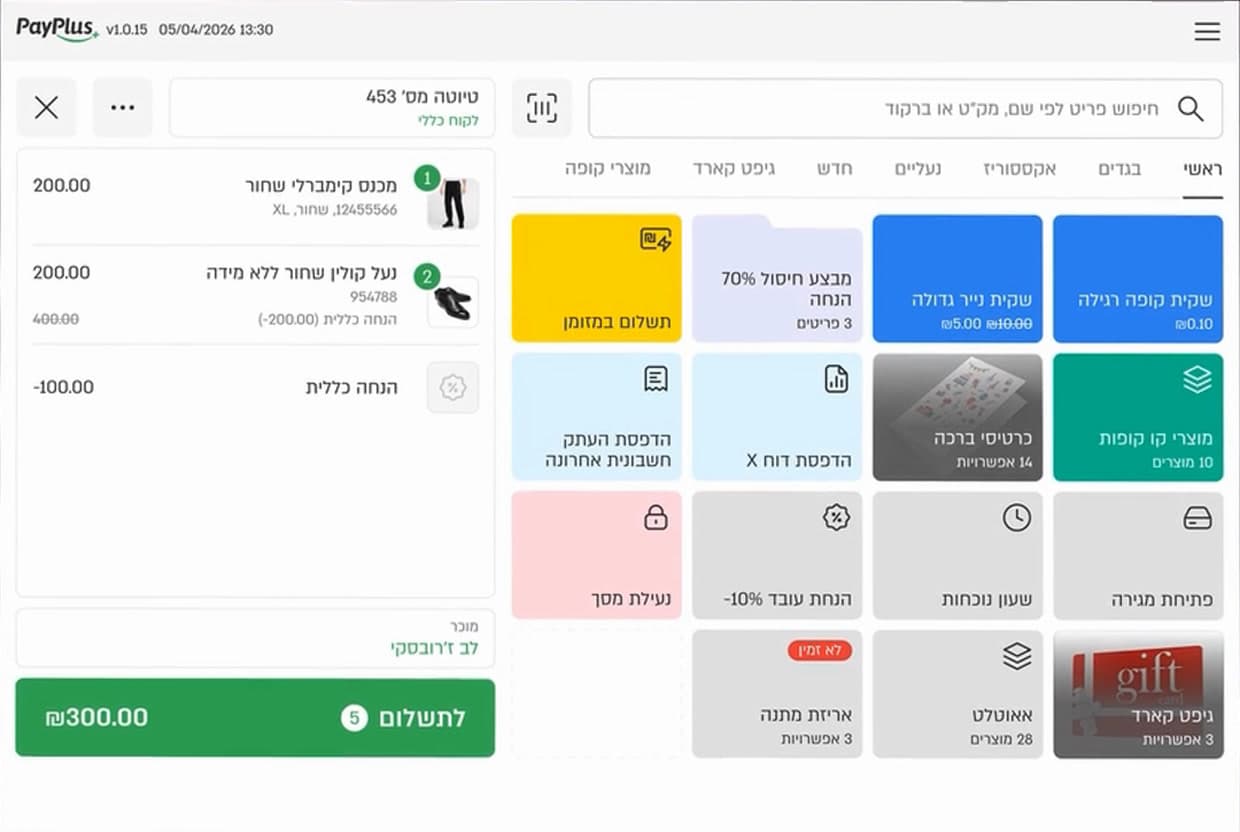
- Exchanges without the headacheReturn an item and add a replacement in the same step, without voiding the sale.
- Sell more every shiftOffers before payment, a daily sales target, and several salespeople on the same sale.
- Stay in control, even when you’re awaySensitive actions wait for your approval, even by SMS code when you’re away from the store.
The POS in action
Everything that happens at the counter, at one station
From the first sale of the morning to the customer walking out with a bag.
01
A cart in a few taps
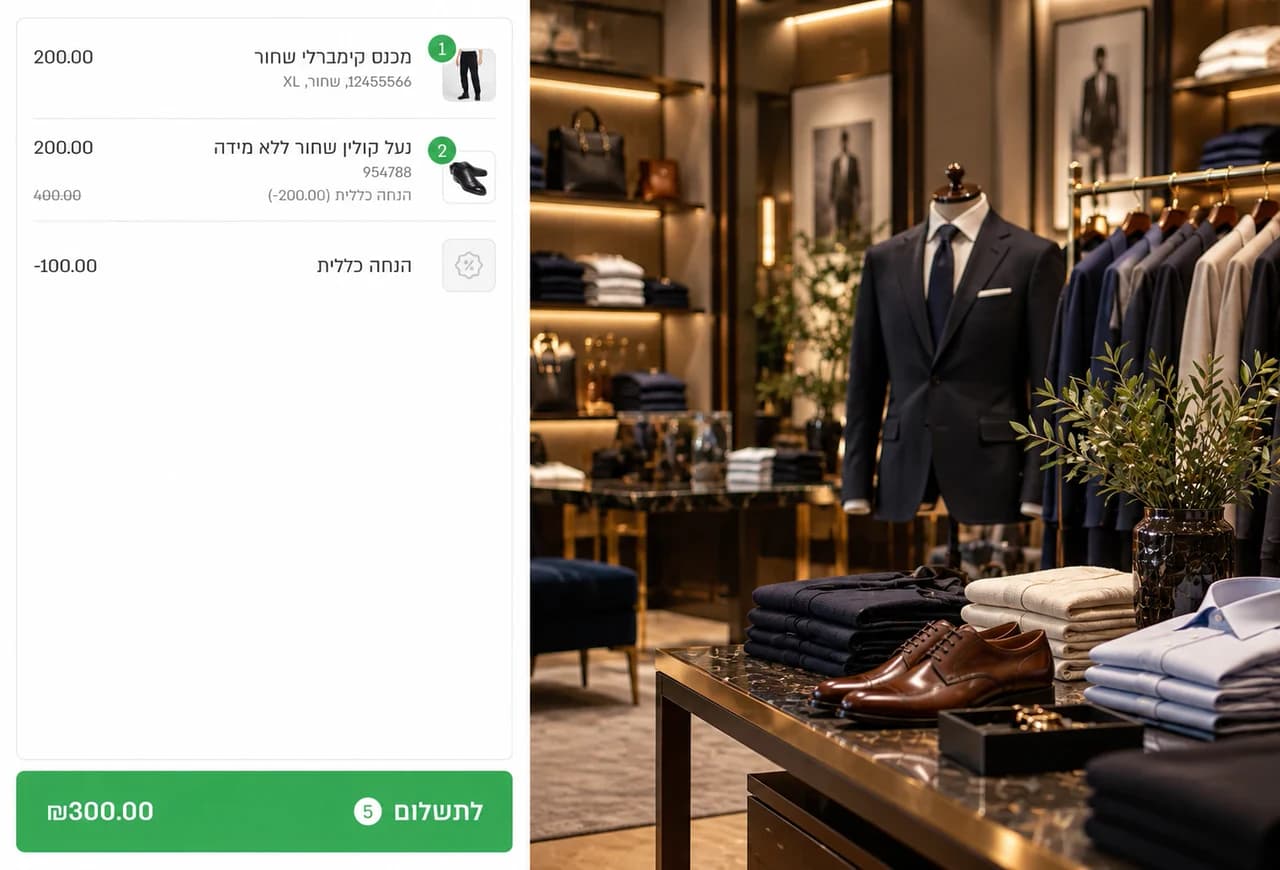
Counter items, discounts and strikethrough prices, on buttons you arrange around what your store sells.
02
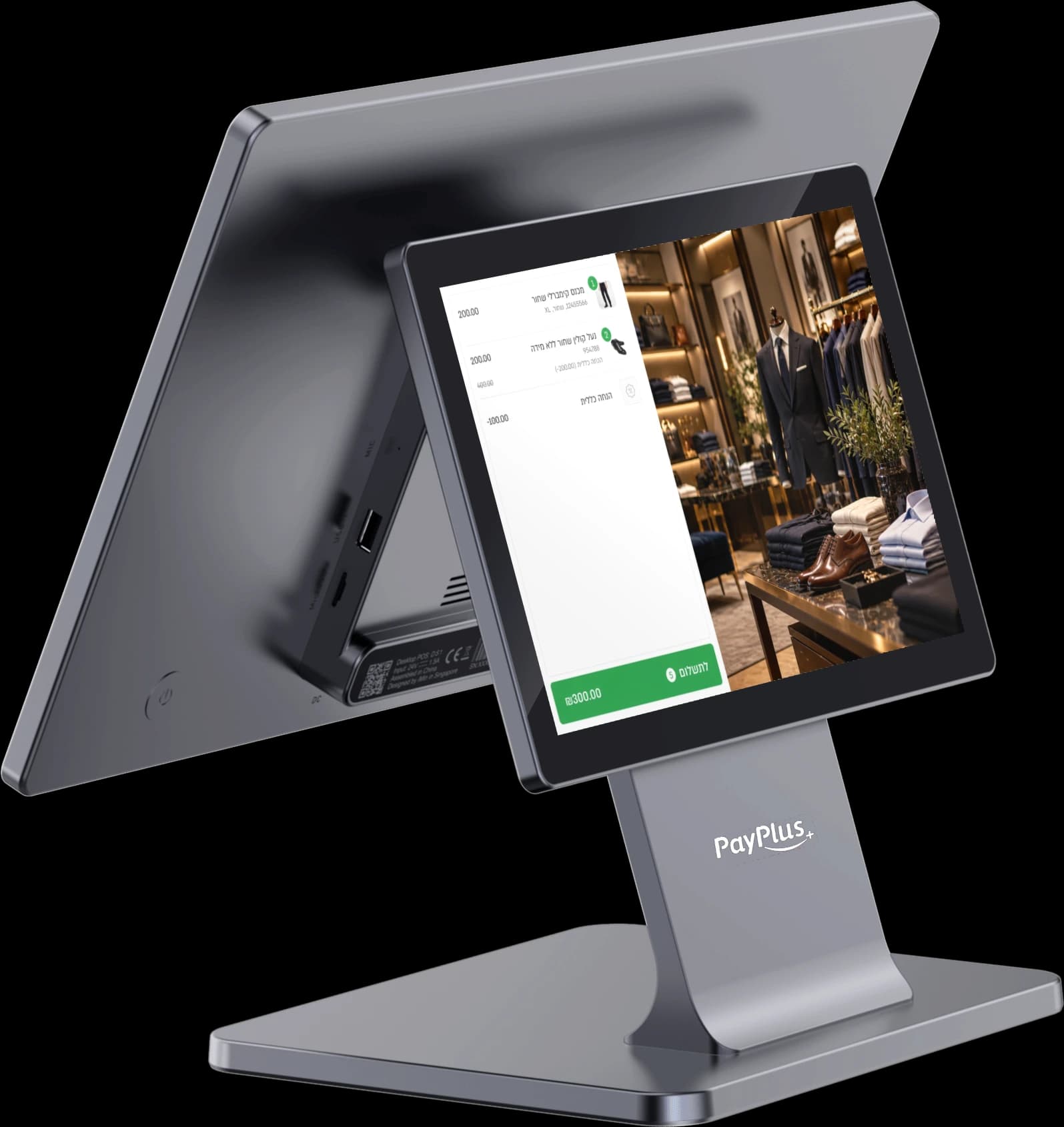
The customer’s view
Customers see every item added to the cart, the price, the discount and the amount due on the screen in front of them. It’s all transparent, with no surprises at checkout.
03
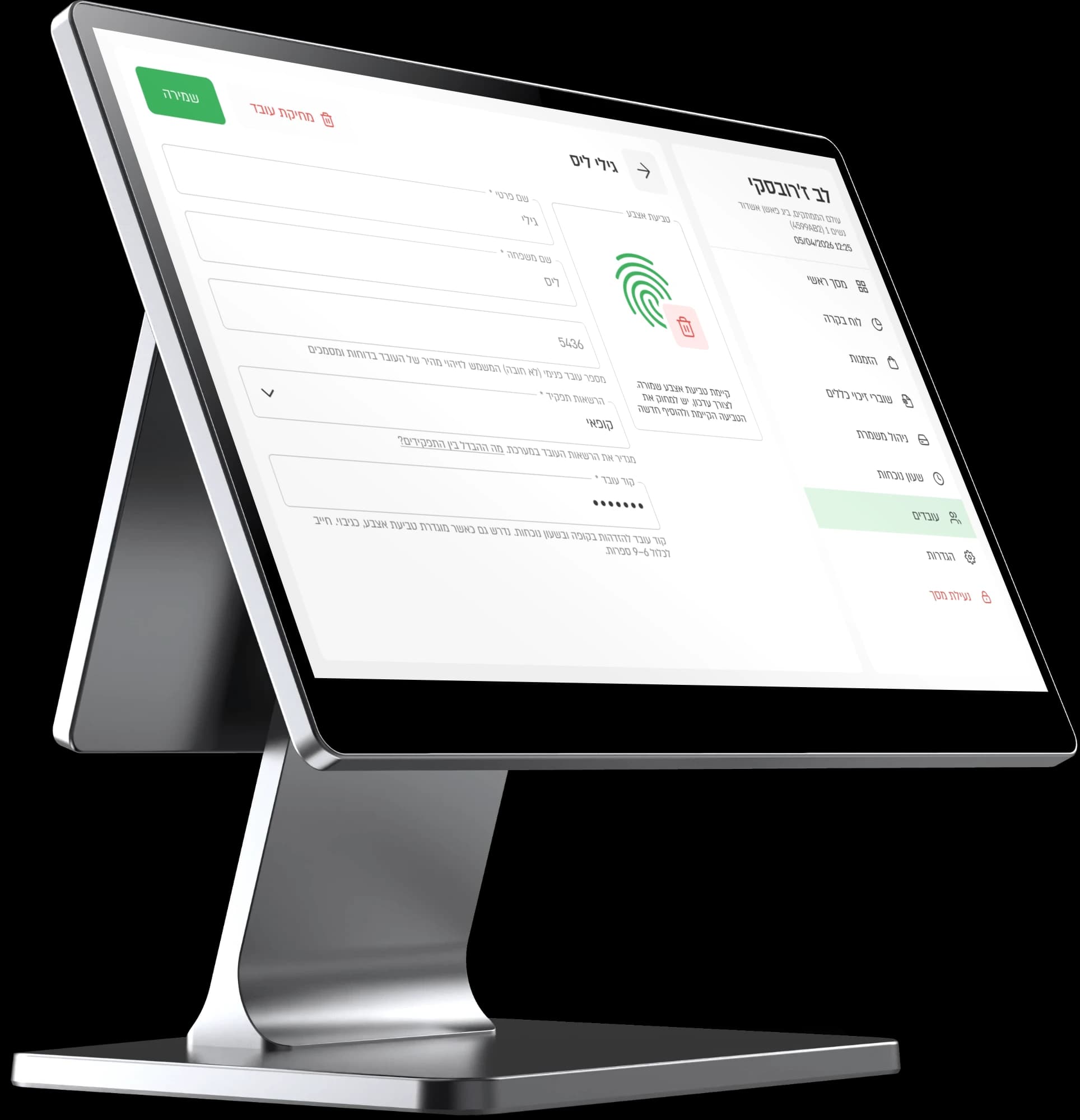
Permissions for every employee
Each employee sees and does only what you’ve set for them, and sensitive actions wait for approval.
04
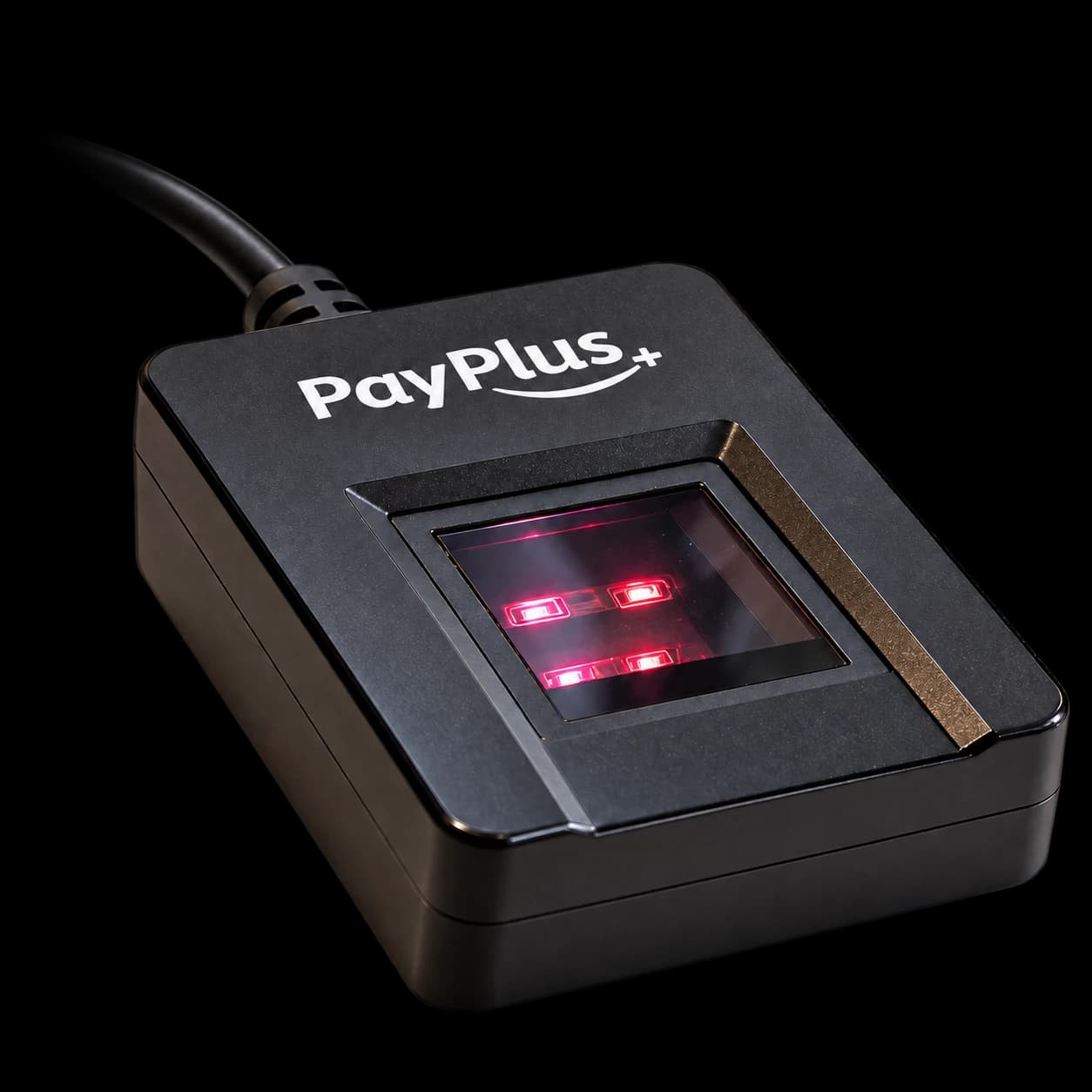
Fingerprint
Start a shift and approve actions with a fingerprint, with no passwords passed from hand to hand.
05
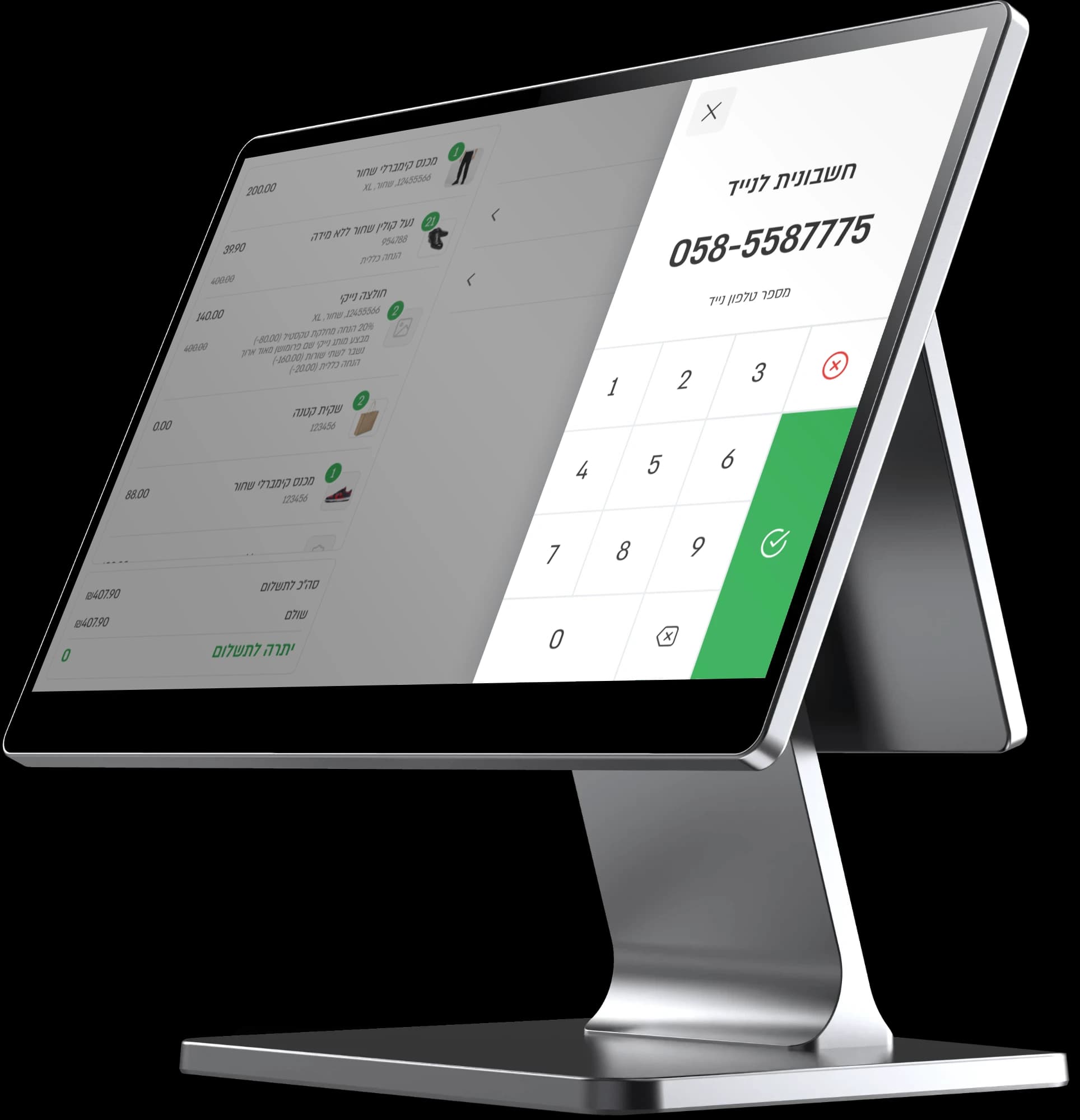
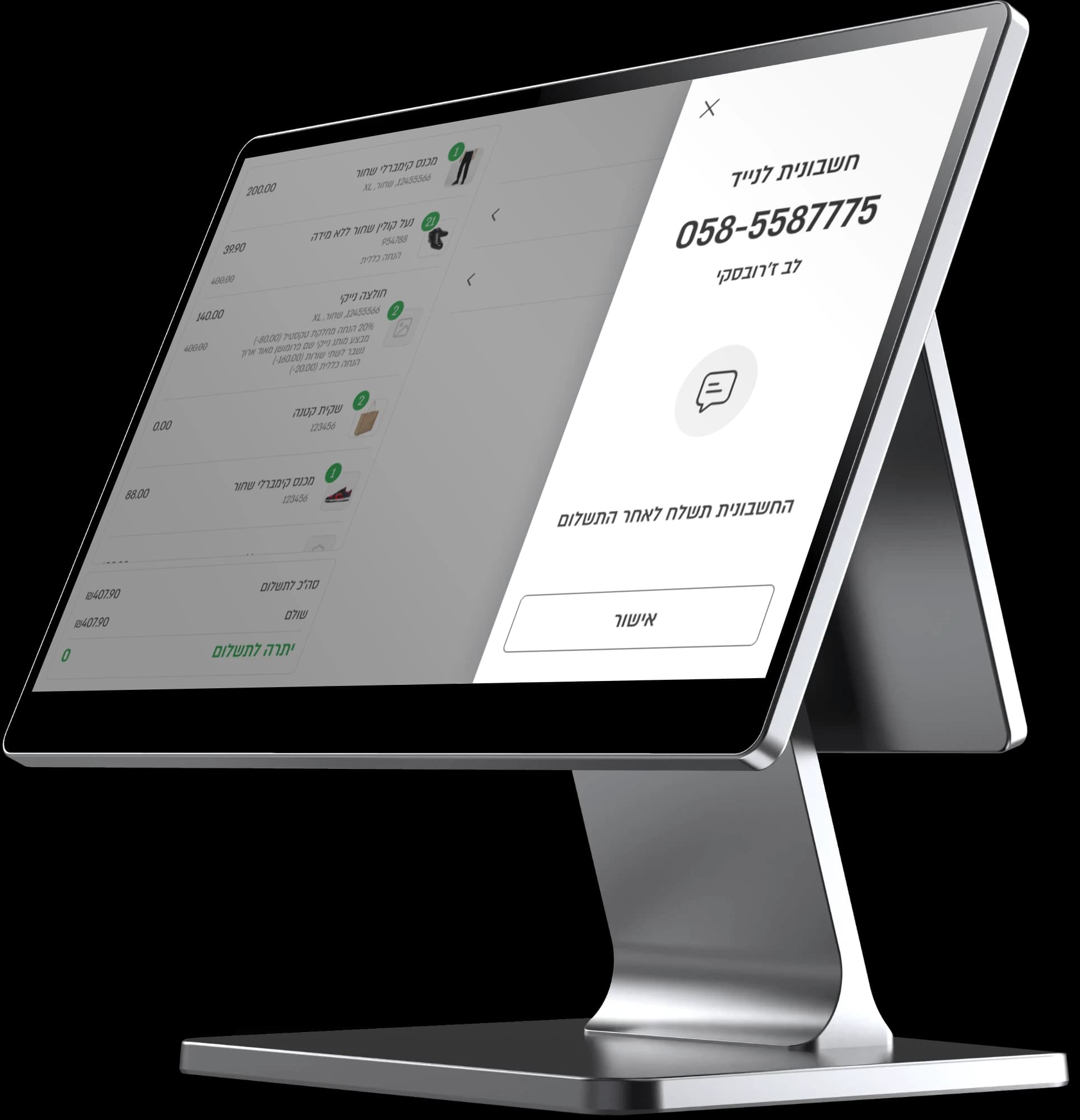
Invoice by text
Type in the customer’s mobile number, and the invoice is sent to them right after payment.
06
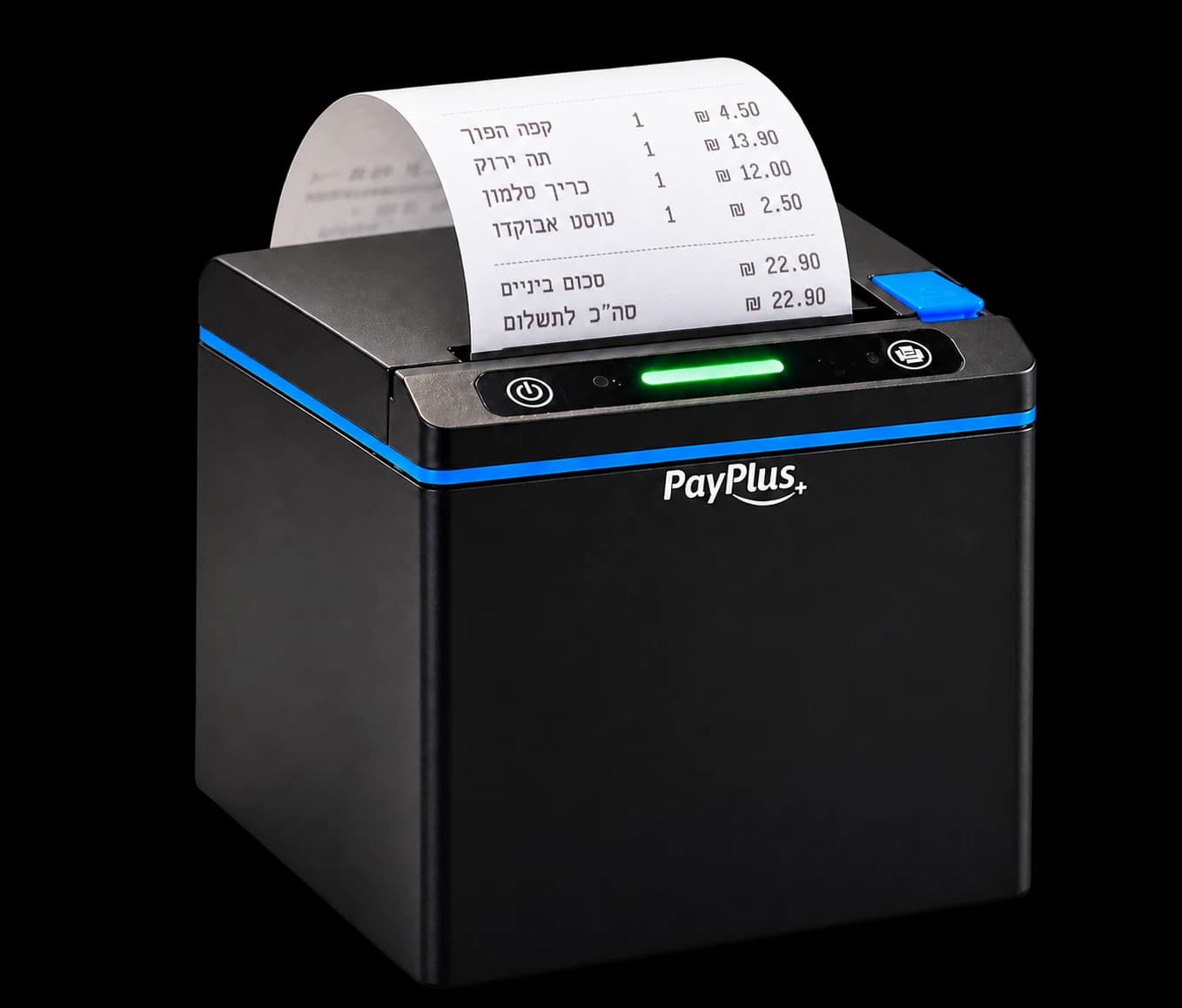
Printed invoice
The invoice comes out of the built-in printer, with an automatic cutter, as soon as payment ends.
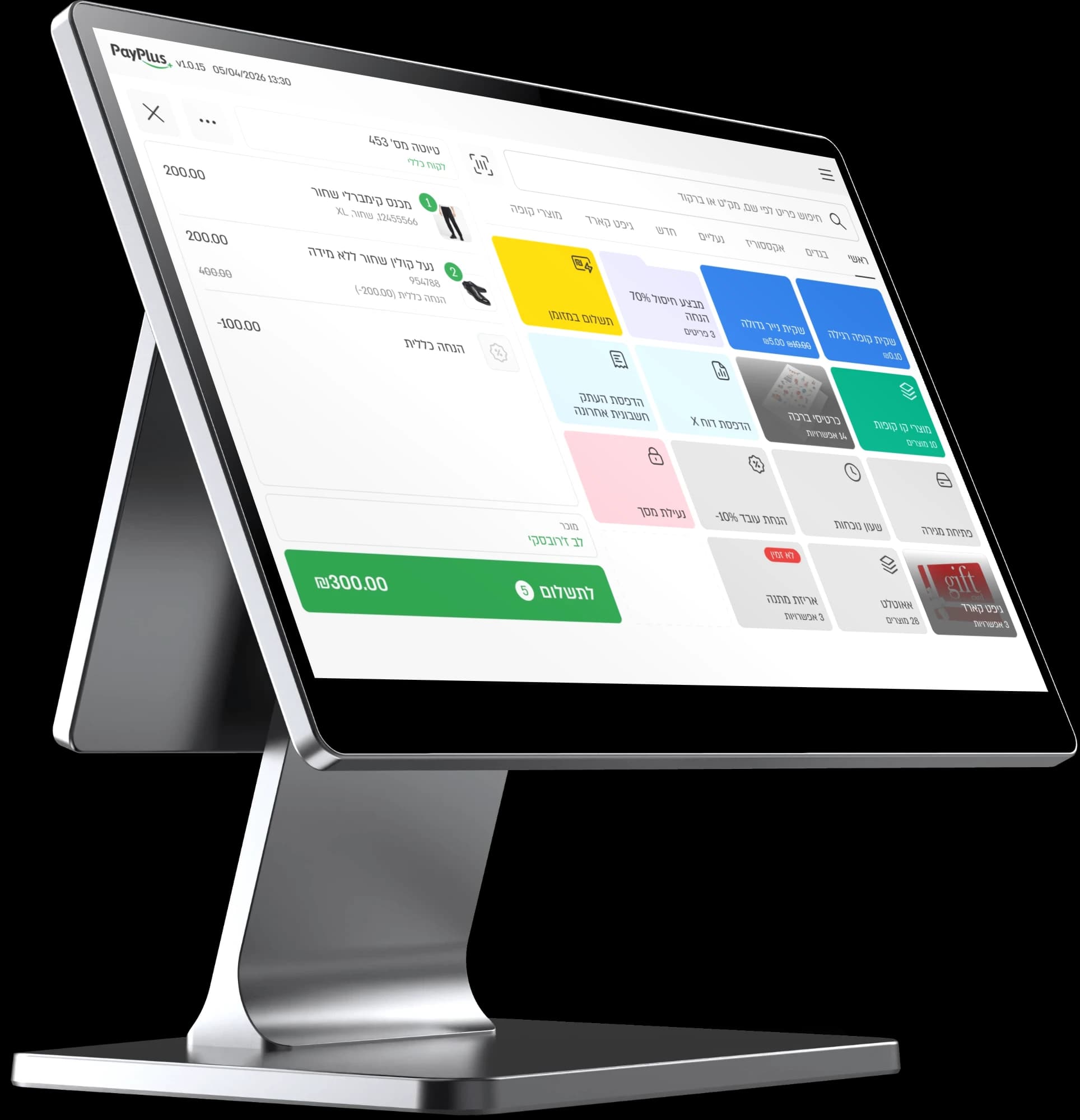
- Readable in any lightA bright screen with an optical coating that stays readable even when the sun comes through the shop window.
- PIN entry, no keypadCustomers enter their card PIN right on the screen, securely.
UpSale · digital invoice
An invoice that keeps selling
The invoice sent to your customer’s phone looks like your store, with banners, coupons and products that bring them back to buy.
You design it in the PayPlus interface.
Upsale invoice
Name
Bloom · Winter 2026The name is for internal display only and doesn’t appear on the invoice.
Upload logo
BLOOMbloom-logo.svg · ReplaceColors
Background color
Secondary color
Button color
Pattern
Background colorBackground pattern
Performance
Fast, stable and efficient
Handles peak-hour load and runs several tasks at once, without slowing down.
In two configurations: 4GB RAM with 64GB storage, or 8GB RAM with 128GB storage.
Broad app compatibility, efficient resource management and up-to-date security.
Connectivity
Wireless or wired, whichever your store has.
- Wi-Fi 6On 2.4GHz and 5GHz
- Bluetooth 5.3Wireless connection to accessories
- EthernetWired network, 1000M
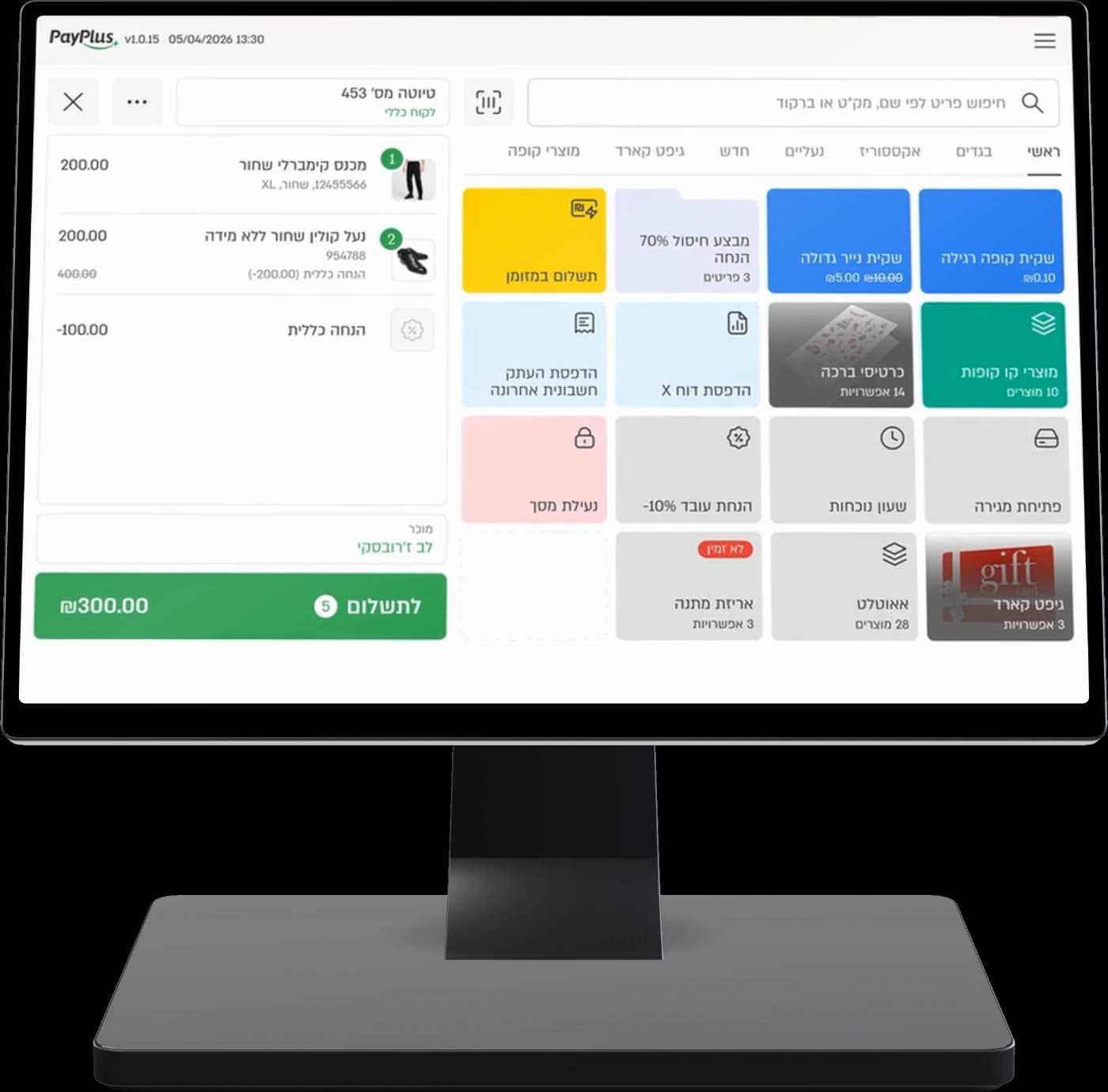
The home screen is built from action tiles
Exchanges and refunds
One-step exchanges, right from the POS
Pick what’s happening in the store and see how the POS handles it.
Every store arranges its own action tiles on the POS home screen.
- Add and delete tiles with a tap
- Folders for items and promotions
- Search items by name, SKU or barcode
A pair of pants in size M comes back, a size L goes out, all in one transaction.
- Find the order with a scan
- Return and replacement item in one step
- Printed exchange slip
A customer who can’t find a replacement leaves with a general credit voucher for their next purchase.
- Voucher with a number and expiry date
- Partial redemption
- The balance is saved for next time
Cancellation fees calculated by law, with no math on your side.
- Automatic calculation by the rules
- Waive it with a tap
- Refund to the credit card
An unusual discount or a cash refund doesn’t go through without manager approval, even when the manager isn’t in the store.
- Approval policy for every action
- One-time SMS code
- A record of who approved and when
Team and targets
Your team sells more, and you see who
A daily target in plain view, salespeople assigned to each sale, and a productivity report at the end of the shift.
All capabilities
Everything a fashion store needs, in one POS
Fast checkout
The line keeps moving, even on a Friday afternoon.
- Fast card and cash payments
- Ready-made discount buttons
- Strikethrough price that shows the discount
- Barcode scanning with the camera
- Customizable home screen
- Invoice by text to the customer’s phone
- Order notes
Exchanges and refunds
Everything that happens when a customer comes back with a bag.
- Built-in exchange in one step
- Returns only from an existing order
- Exchange slip
- Cancellation fees by law
- General credit voucher
- Redeem vouchers from your previous POS
Team and targets
Every employee knows where they stand against the target.
- Daily sales target with a progress bar
- Assign several salespeople to a sale
- Choose a salesperson at the start of a sale
- Time Clock
- Productivity report per employee
- Conversion rate (CountRite)
Loyalty and online
Your store customers and your website customers, in the same POS.
- Loyalty club with points
- Identify, earn and redeem in the Yotpo loyalty club
- Shopify coupons at the POS
- Notes on the customer card
- Two-way sync with Shopify and WordPress
- Online orders straight to the Back Office
Inventory and branches
Every size and every color, in every branch and online.
- Products with variants: sizes, colors and options
- Real-time inventory across branches
- Change a price, image or description and it updates on every POS and on your website
- Promotions of every kind
- Central management for chains
- Reports for each branch and the whole chain
Security
Sensitive actions don’t happen without your approval.
- Manager approval with a one-time SMS code
- Approval policy for every action
- Fingerprint
- Screen lock at the end of a sale
- Permissions for every employee
Cash and shifts
The drawer closes out cleanly, every shift.
- Open and close a shift
- X report and Z report
- Z report copy
- Cash in and cash out
- Deposit envelopes
- Daily closing report
Back office
All your stores, from one screen
Manage your whole chain from your computer or phone, without going to the branch.
Every employee gets a role, permissions and an hourly rate, with documents stored in one place.

End of day
Close the register without a calculator
At the end of the shift the POS does the math, and what’s in the drawer matches what was sold.
- 01Close the shift and run a Z report
- 02Log cash in and cash out of the drawer
- 03Prepare a deposit envelope for the bank
- 04Get a daily closing report, for the branch and the chain
Switching from another POS
Switch to a new POS without losing customers
Send us an Excel file with the voucher number, expiry date and balance, and once it’s imported, customers redeem their vouchers at the PayPlus POS.
- Shopify
- WordPress
- Yotpo
- CountRite
Questions and answers
About the PayPlus POS
A cloud POS with a Back Office that brings sales, products, inventory, customers, promotions and reports together in one system. In fashion stores it also handles exchanges, credit vouchers and salesperson attribution.
Yes. In an exchange you return the item and add a replacement item in the same step, and you find the original order by scanning the QR code on the invoice.
Send us an Excel file with the voucher number, expiry date and balance. Once it’s imported, you can redeem the vouchers at the POS.
Only if you turn the option on, and then the POS calculates them according to the law. The cashier can waive them for a specific transaction.
With a one-time code the manager gets by SMS. This requires an SMS package.
Yes, with a two-way connection: products come into the POS, inventory and prices sync, and online orders go straight to the Back Office. Shopify coupons work at the POS too.
Yes. A built-in club with points, credits, personal promotions and SMS messages to customers. You can also work with the Yotpo club, and our service team sets up the connection.
Every product is managed with variants: size, color and other options. Inventory updates automatically across branches and your website.
Yes. Multiple branches, central management, employee permissions, and reports for each branch and the whole chain.
Yes. Open and close a shift, run X and Z reports, log cash in and cash out, prepare deposit envelopes and get a daily closing report.
Ready to switch POS?
Book a demo and we’ll show you an exchange, a voucher and a daily target on the POS itself.
No commitment