
 Official commerce partner
Payments for Shopify with PayPlus
PayPlus connects to Shopify, so you get paid at checkout and at the POS.
Card payments, Apple Pay, Google Pay, PayPal, bit, bank transfers, clubs and vouchers.
Payments, automatic invoices and cross-channel sync, all in one solution from PayPlus.
30days of free invoicingfor new customers
























Three steps
Everything your store needs, in one place
With PayPlus, you can connect your Shopify store to an advanced payment processing system, accept credit cards and a wide range of payment methods, issue invoices automatically and manage all your business payments, all in one interface.
Take payments on your Shopify site through the secure PayPlus payment page, with support for more than 50 leading payment methods. A fast, convenient and secure checkout lets your customers pay easily and with confidence.
After every transaction, your customer receives a professionally designed digital invoice with your logo, a custom banner and a look tailored to your business.
Get real-time updates on every transaction and manage everything in an advanced, easy-to-use interface. Generate reports, create payment links, run manual charges and track your transactions, with full control of your business anytime, anywhere.
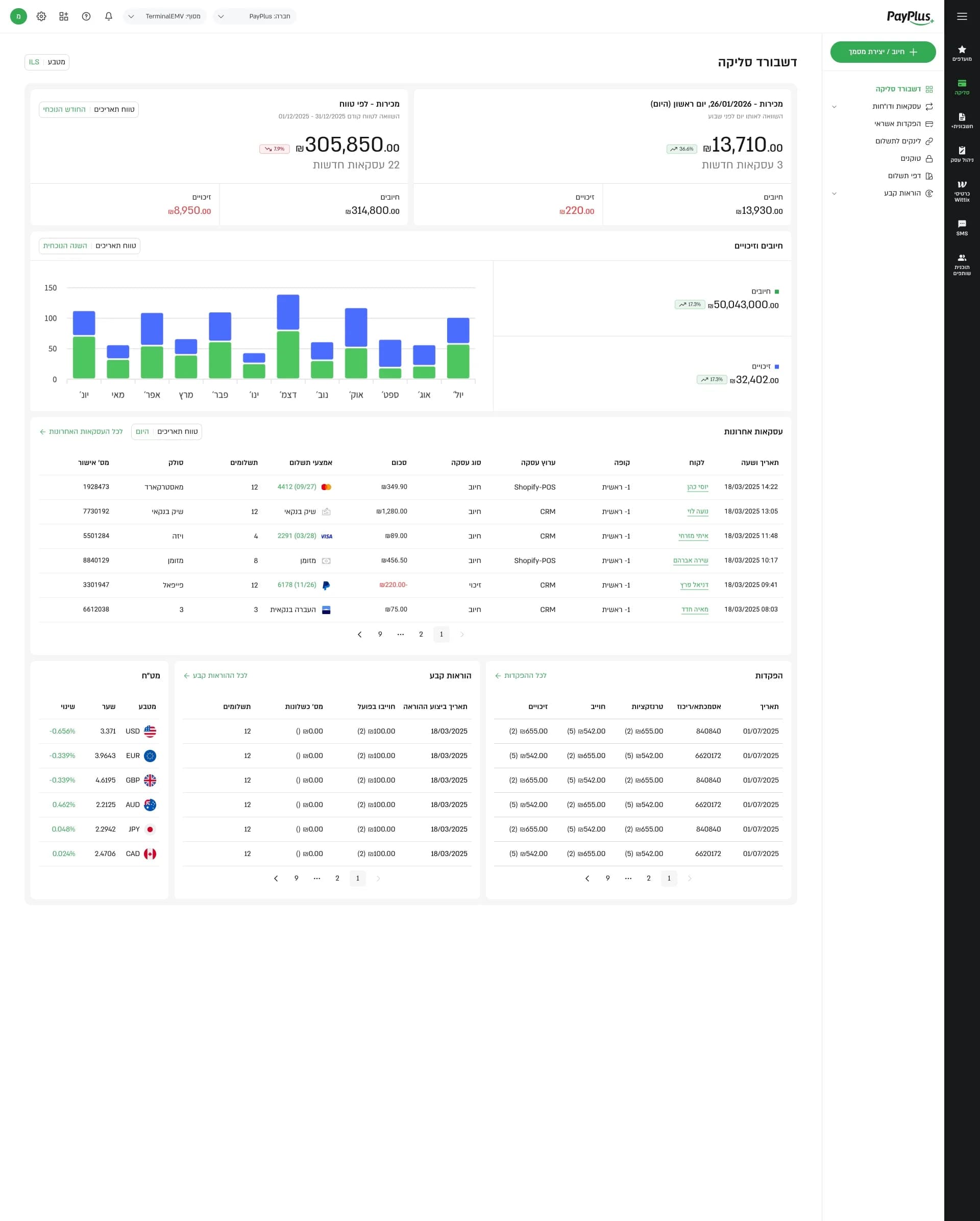
Shopify in Israel
What to know before you connect
Six facts, each with its source.
- 01
Card payments right in Shopify checkout
Customers pay by credit card right on the Shopify checkout page, without leaving for an external site. Includes installments and full or partial refunds, straight from the Orders screen.
- 02
More than 50 payment methods in one place
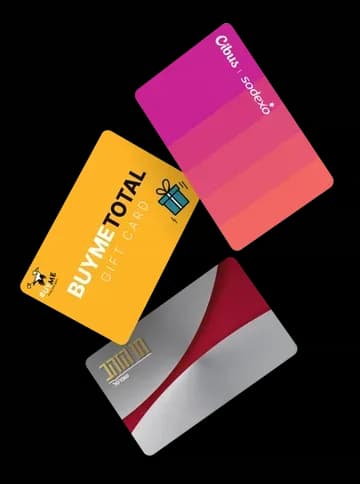
Let your customers pay easily through the secure PayPlus payment page, with a wide range of payment methods: bit, Apple Pay, Google Pay, PayPal, credit cards, bank transfers and dozens of clubs and vouchers.
- 03
Several vouchers in one transaction
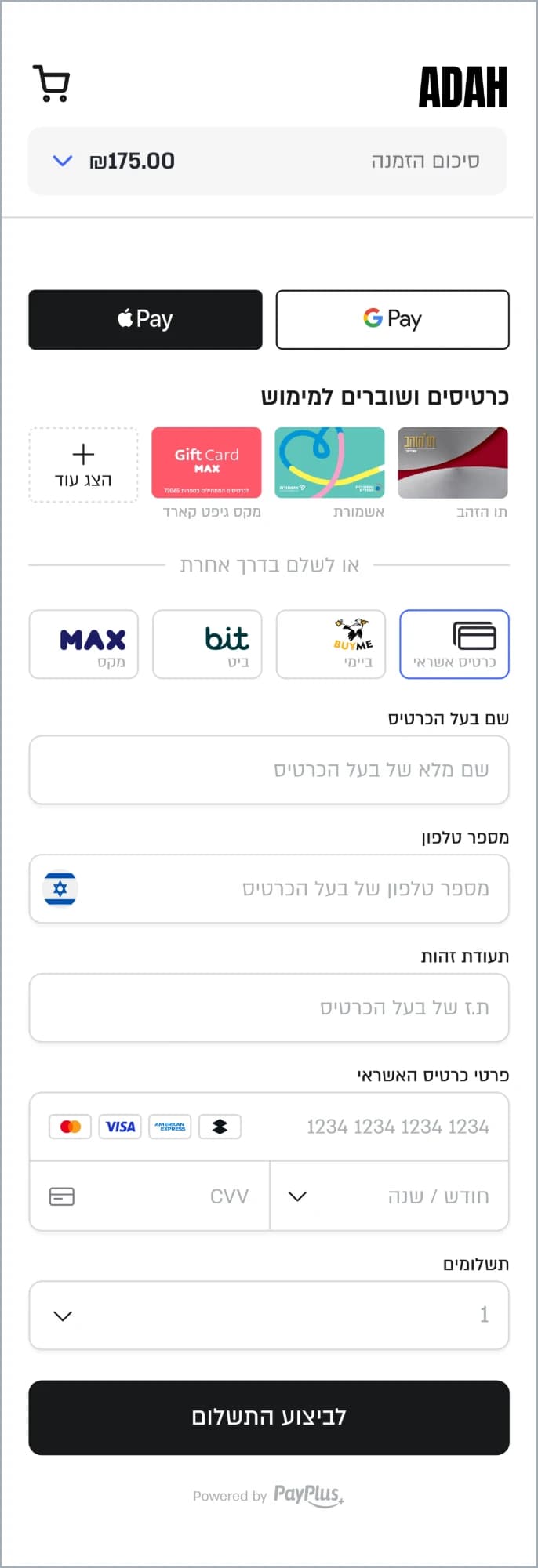
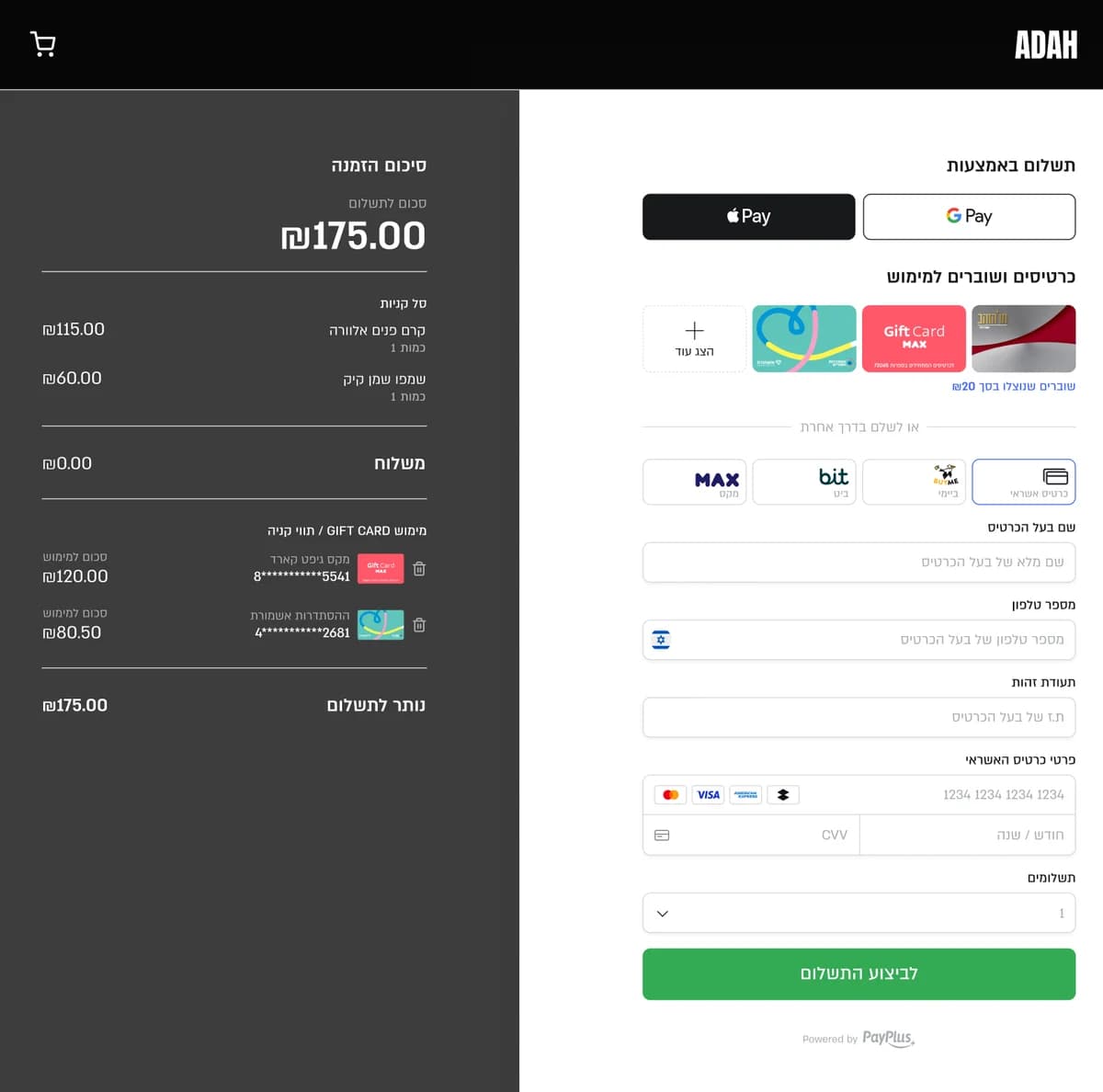
Let customers redeem several vouchers and clubs in the same order, pay the balance with another payment method, and track revenue by club.
- 04
Automatic digital invoices
Issue digital invoices automatically for every order, including an allocation number from the Israel Tax Authority as required by law, with no manual work.
- 05
Physical store and website, in sync
The PayPlus POS integrates with Shopify and syncs products, orders, inventory and customers between your physical store and your website.
- 06
Every payment and invoicing solution in one place
Card processing, 50+ payment methods, clubs and vouchers, digital invoices, POS systems and advanced reporting. Everything your business needs, in one system connected to Shopify.
Five steps
How to connect PayPlus to your Shopify store
Connect your store to PayPlus in a few simple steps and get a complete solution for payment processing, payment methods and digital invoices, all in one place.
Open a PayPlus account
Sign up online for free, with no commitment. Fill in a few details about your business and get started.
Sign up
Get a digital quote
Get a quote tailored to your business and sign online. Transparent pricing with a monthly subscription.

Connect payments to Shopify
Activate PayPlus from your Shopify admin and start accepting credit cards right on your site.
Join now and get Apple Pay and Google Pay free from day one!
Read the full connection guide →
Connect digital invoices
Connect Invoice+ and issue automatic digital invoices for every order, with your own logo and branding, plus an allocation number where required. The PayPlus Invoice Connect app sends order details straight to the invoice, so there’s no manual typing.
First 30 days free!
Start selling and managing your business
Get notified of every transaction in real time, and manage orders, refunds, invoices and reports from the PayPlus dashboard, anytime, anywhere.

Security
Secure payments on Shopify with PayPlus
Securing payments and customer data is our top priority. PayPlus combines international information security standards, advanced protection technologies and robust cloud infrastructure for safe, stable and fast payment processing.
International security standards and certifications
- The payment card industry’s data security standard. PayPlus is compliant as a service provider, audited by a QSA.
- The international standard for information security management, covering our payment processing, online payments, invoicing and SMS systems.
Advanced layers of protection in every transaction
- An extra layer of cardholder verification, using a one-time code or the bank’s app, to reduce fraud and chargebacks.
- Protection against bots and automated, unauthorized transaction attempts.
- Card details are replaced with a secure token, enabling recurring charges without storing card details in your store.
- Encryption of all data passed between the customer, the store and PayPlus systems.
- Advanced infrastructure that handles high transaction volumes and stays fast and stable on Black Friday, during sales and over the holidays.
In-store POS
A POS in sync with Shopify
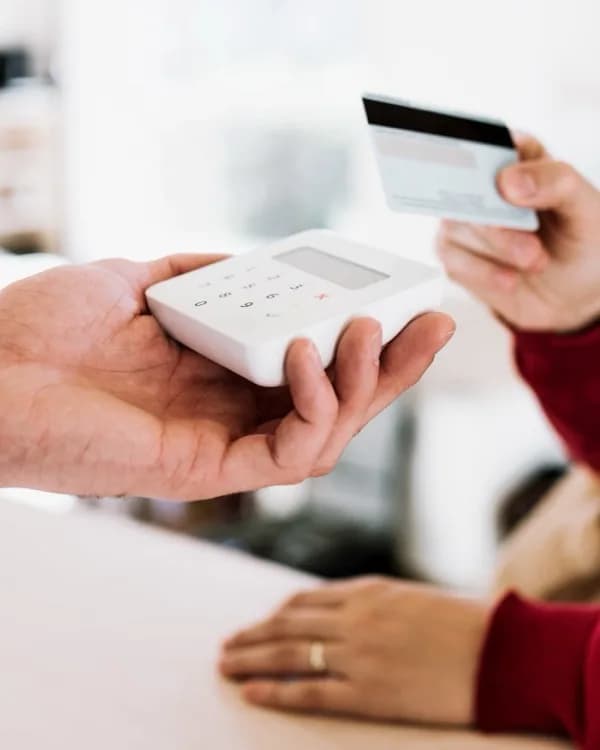
The PayPlus POS syncs with Shopify: one inventory across every channel, synced orders and customers, and centralized reporting.
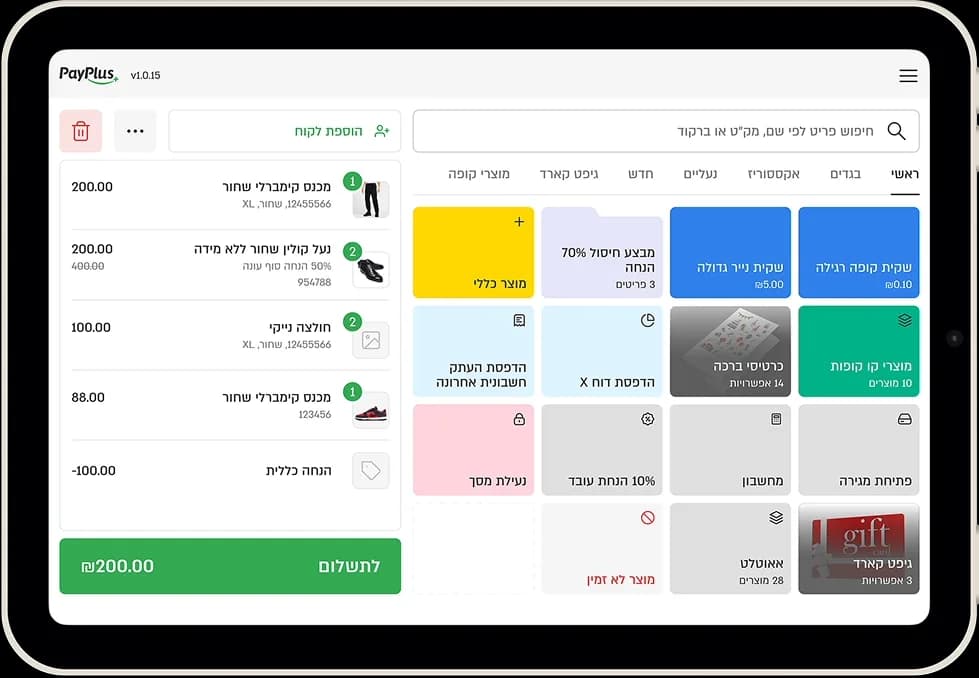
Payment methods
Customers pay the way they like
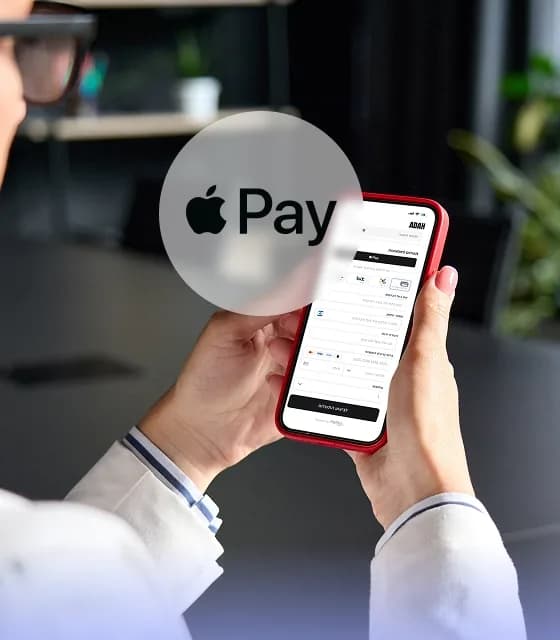
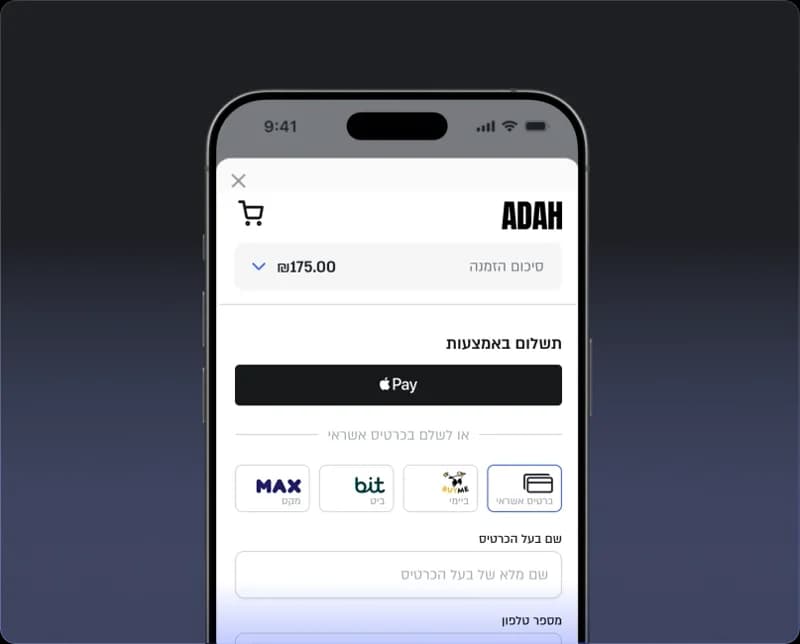
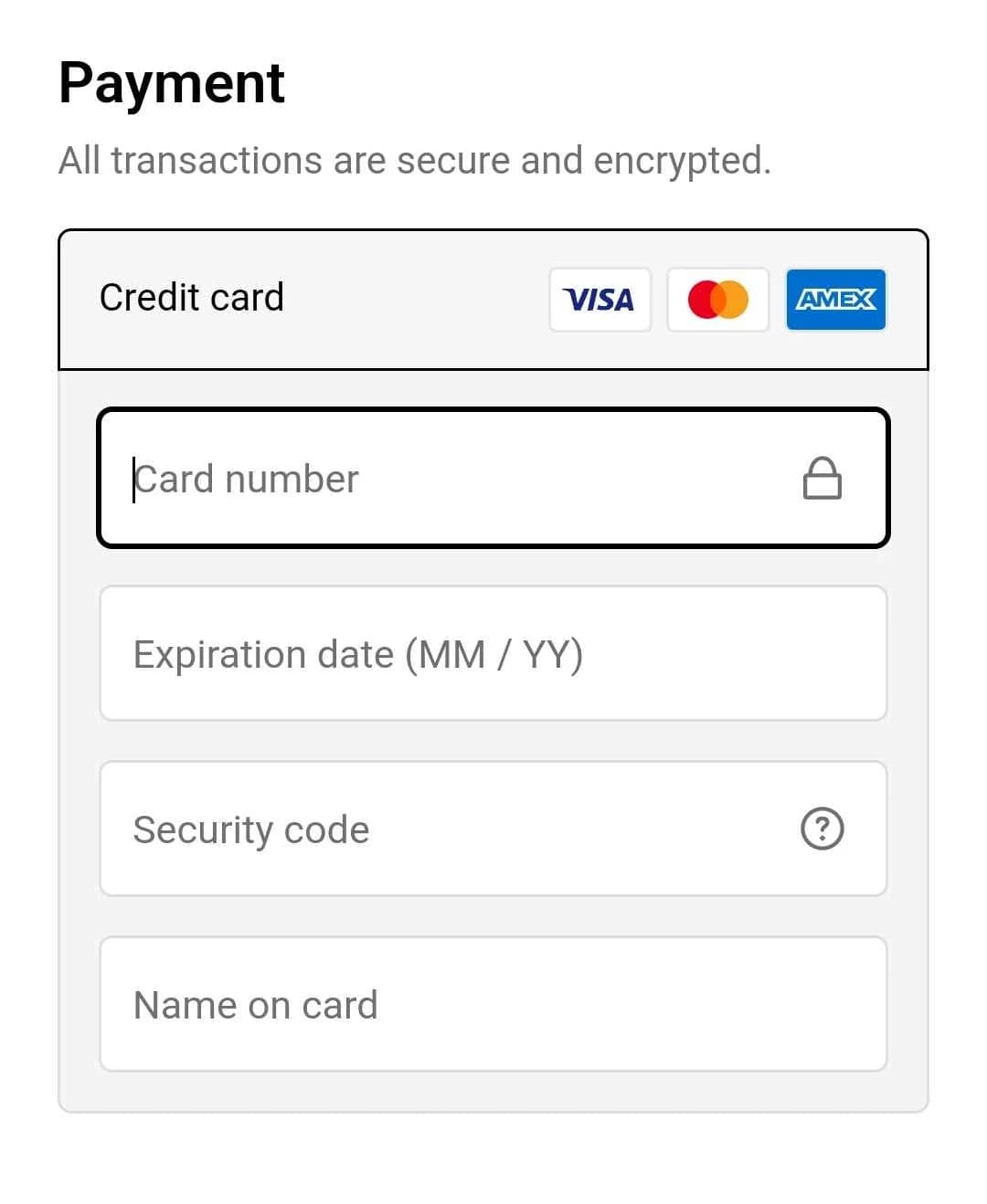
Israeli and international cards, right inside Shopify checkout, via an Embedded connection.
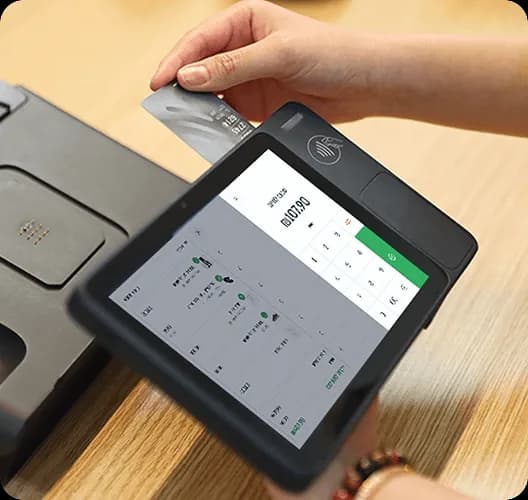

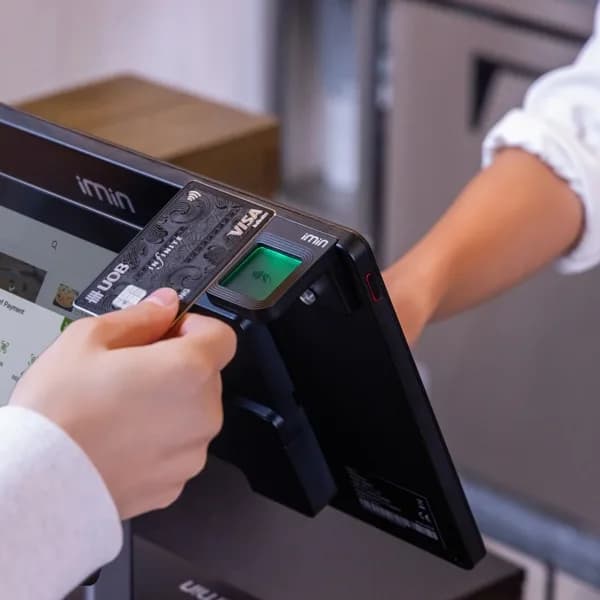

















 Contactless














All in one place
Everything that happens after payment
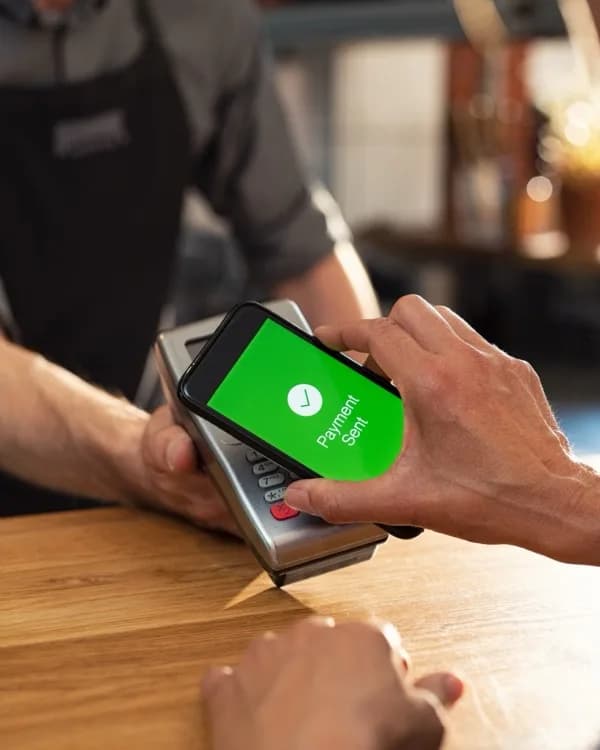
From checkout to invoice to POS, in a single connection to Shopify.
Payment inside the checkout
An Embedded connection, with no redirect to an external page.
Wallets and clubs
Apple Pay, Google Pay, bit and club cards on the Redirect page.
A payment page with your branding
Your logo, custom CSS and your own domain.
From around the world
Sell to customers all over the world
PayPlus accepts Israeli and international credit cards in your Shopify store, so customers anywhere can pay.
The lines on the globe are for illustration only.
Israeli and international cardsOn the same payment page
Ready to be the next big thing?
Open an account and connect payments to your Shopify store.
To speak with a representative, call 03-9444788
Extension 1
Questions and answers
Questions and answers
Payment processing on Shopify connects your store to a payment provider, so you can accept and process credit cards and other payment methods. PayPlus processes Israeli and international credit cards directly on the Shopify checkout page (Embedded), and you can manage orders and refunds from within Shopify.
Open a PayPlus account, activate the payment service from your Shopify admin, and install an additional app to connect digital wallets and customer clubs. Setup is quick and simple, and you can customize the payment page to match your brand.
Not hard at all, and your store keeps selling throughout the switch. PayPlus opens a new processing terminal for you, on the same terms you currently have with the credit card companies, and it runs in parallel with your current provider until the switch is complete. A dedicated person from the PayPlus sales team guides you every step of the way, through moving both your payments and your invoicing.
The connection itself takes minutes and doesn’t require a developer. Activate PayPlus from the Payments page in your Shopify admin, and card payments work right away. Developers who want further customization can use a full API with a wide range of options.
Embedded lets customers pay by credit card directly on the Shopify checkout page, without being redirected to an external site.
Redirect sends customers to a secure, branded PayPlus payment page that supports more payment methods, including Apple Pay, Google Pay, PayPal, bit, bank transfers, clubs and vouchers. It connects through an additional PayPlus app.
You can combine both connection types to suit your business.
With PayPlus, you can accept more than 50 payment methods, including Israeli and international credit cards, Apple Pay, Google Pay, PayPal, bit and bank transfers. You can also accept customer clubs, BuyMe, Tav HaZahav, Cibus and other vouchers. Digital wallets and clubs are available on the PayPlus payment page via Redirect.
Yes. A customer can redeem a voucher, such as BuyMe or Hitechzone, and pay the balance with another voucher, Apple Pay, Google Pay, bit or a credit card, all in the same order. For example, on a ₪1,290 order: ₪300 with a BuyMe voucher, ₪400 with a Haver Sheli Card and the rest by credit card in three installments. Each part of the payment is recorded separately in your reports, and the invoice is issued automatically based on your settings.
Yes. In addition to dozens of third-party clubs, you can offer a gift card branded for your store, and PayPlus invoicing supports it both online and at the POS.
PayPlus supports 3D Secure, which verifies the cardholder’s identity with a one-time code sent during the transaction. You can set the amount above which verification is required, adding a layer of security to payments, lowering the risk of card fraud and reducing chargebacks.
Yes. With PayPlus Invoice+, you can issue automatic digital invoices for Shopify orders, with support for gift cards, refunds and allocation numbers as required by the Israel Tax Authority. The PayPlus Invoice Connect app sends order details straight to the invoice. New customers get their first 30 days free.
Yes. With the PayPlus integration, you can issue full or partial refunds directly from the Shopify Orders screen, without switching to an external system. You can also manage refunds from the PayPlus dashboard.
Yes. The PayPlus POS integrates with Shopify and syncs products, orders, inventory and customers between your physical store and your online store, so you can manage sales from every channel in one synced system.
Yes. You can customize the payment page to match your brand with your logo, colors, background images, text, buttons and custom CSS.
Yes. From the same account, you can send customers a payment link by email, SMS or WhatsApp, and the invoice is issued automatically, just like any other order from your store.
Yes. The PayPlus support team is available by phone at 03-9444788, Sunday through Thursday, 09:00–18:00, and on Fridays and holiday eves from 09:00 until four hours before Shabbat or the holiday begins.
Have a question about payments, invoicing or your POS? We’re here to help with all of it.